Free email signature generator
Create a professional HTML signature for any email client. Add your photo, logo, and social links in 2 minutes.
- No account needed
- No credit card required
- Validated HTML output

Create your email signature in 4 steps
No design skills. No coding. No account. Just your details and a template.


-
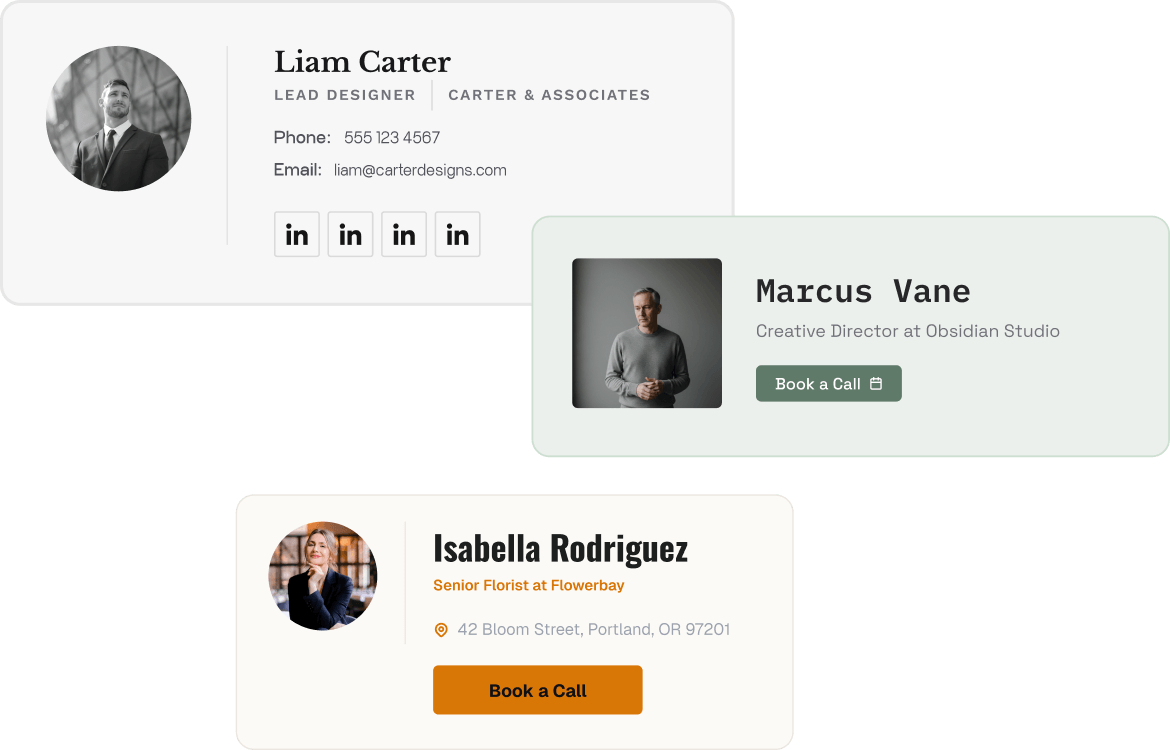
Select a template
Browse professionally designed layouts. Choose the one that fits your role and brand.
-
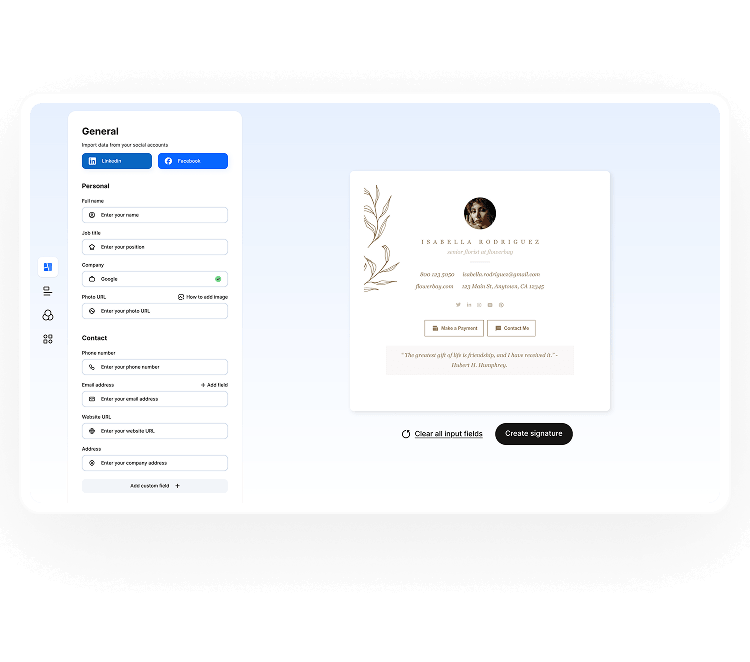
Add your details
Add your name, title, company, contacts, social links, logo, and photo. The preview updates live.
-
Personalize design
Adjust colors, fonts, and layout to match your brand. No design experience needed.

-
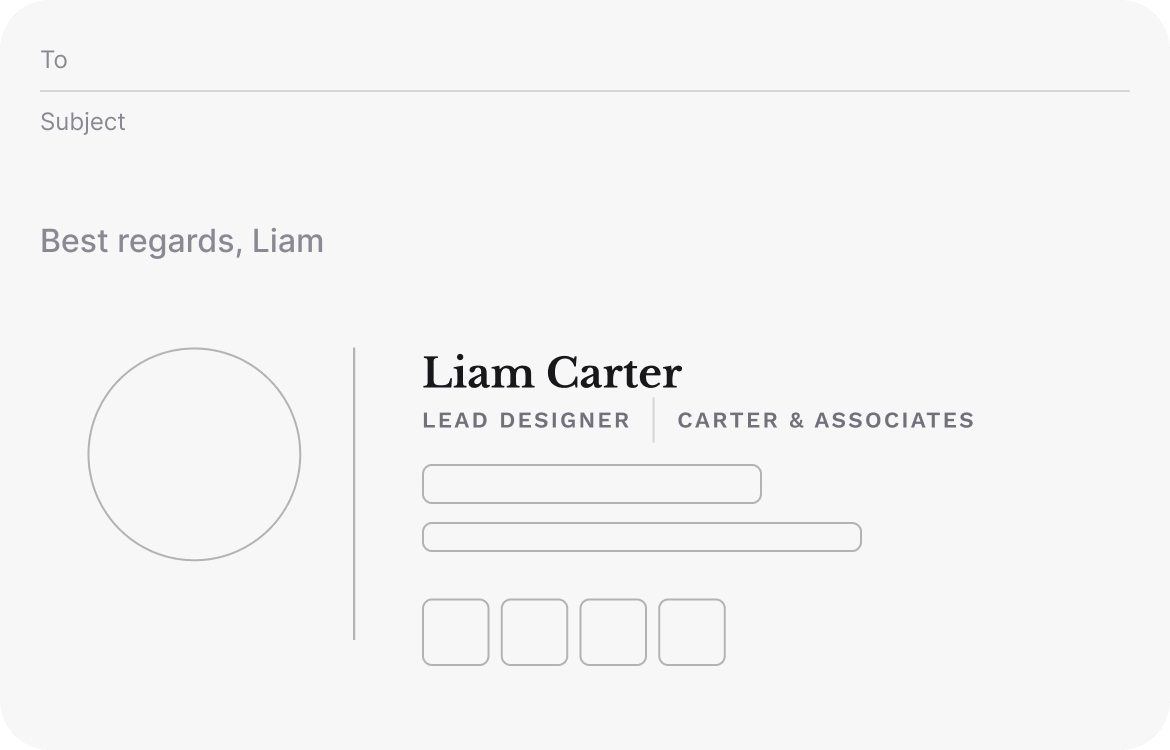
Share and update in seconds
Get your validated HTML and paste it into any email client in under 60 seconds.

Email signatures for every role
Pick the layout, colors, and elements that fit your brand. Without presets and restrictions, just the blocks you actually need.
-
Sales professionals
Every email you send is a touchpoint or a missed one. A signature with your headshot, direct phone number, and calendar link handles the follow-up for you.
-
Marketing teams
Keeping everyone on the same logo, CTA, and layout is harder than it should be. Set one template, deploy it to the whole team, done.
-
Freelancers & designers
Clients form an opinion before they open your portfolio. Make sure your signature is doing its job first.
-
Real estate agents
Trust is everything in real estate, and it starts before the first call. A signature with your headshot, brokerage logo, and number makes you easy to reach and to trust.
-
Ecommerce
Customers judge your store by every interaction. A signature with your logo and a subtle promo banner builds credibility and discreetly promotes at the same time.
-
HR & recruitment
Candidates notice when a company looks disorganized. Consistent signatures across your hiring team fix that before it becomes a problem.
Email signature best practices for 2026
“Your signature is on every email you send — that makes it one of the highest-frequency brand touchpoints you have. Branded signatures increase response rates by 22% and site click-throughs by 15%. A detail most people ignore, even though it measurably affects results."

Keep it under 5 lines
Always use HTML, not a PNG image
Test your signature on mobile before sending out
One CTA per signature
Don't go overboard with social media icons
Keep your total email size under 100 KB
Check your signature on a quarterly basis
Build a signature that works in every email client
Pick a template, fill in your details, and get validated HTML ready to install. Free, no account needed.
Create signatureHow to add your signature in Gmail, Outlook, Apple, and Yahoo
For the best results, set up your signature on desktop. Mobile apps have limited HTML support and may not render it correctly.
Gmail
- Open Gmail Settings Click the gear icon (top right) and select See all settings.
- Go to the Signature section Scroll to the Signature block, click Create new, and give your signature a name.
- Paste your HTML signature Copy the code from your Stripo email and paste it into the editor box.
- Set as default Under Signature defaults, assign it to new emails and replies.
- Save changes Scroll down and click Save Changes. Done.
Outlook
- Open Outlook Settings Go to the Home tab and click on the Settings button.
- Open Signature settings Go to Account and click on the Signature section.
- Create a new signature Click New, name your signature, then click OK.
- Paste your HTML code Paste the code into the Edit Signature box. Set paste to Keep Source Formatting.
- Set as default and save Assign it to new messages. Click the Save button.
Apple Mail
- Open Apple Mail Settings Click Mail in the menu bar → Settings.
- Go to the Signatures tab Click the Signatures section in the Settings window.
- Add a new signature Select your account on the left, then click +.
- Paste your signature Uncheck the "Always match my default message font" and paste the code from your Stripo email.
- Assign to account Use the Signature dropdown to set it as the default.
Yahoo Mail
- Open Yahoo Mail Settings Click the gear icon and select Settings.
- Go to Writing email Click Writing email from the left menu.
- Enable your signature Find the Signature section and toggle on the account you want to update.
- Paste your signature Paste the HTML code from your Stripo email into the text box.
- Save Click Save. Your signature is now active.


